
NFT Metadata
Generate & edit NFT
metadata, no code
Create, edit and view NFT metadata without code. Generate marketplace-ready JSON, edit traits, and store it on IPFS.
Generate metadata for your NFTs Generate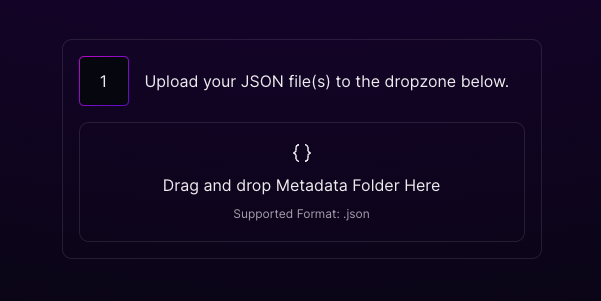
The no-code metadata editor, generate, edit and view NFT metadata.
Features
NFT metadata editor features
Generate, edit and validate NFT metadata without touching JSON by hand.
Generate metadata
Create marketplace-ready metadata for a single NFT or a whole collection.
Edit & view
Open, view and edit traits, names and descriptions in a clean editor.
Standard JSON
Output follows the metadata standards every major marketplace reads.
IPFS storage
Store your images and metadata on permanent, decentralised IPFS.
Read more›
Clean metadata, without touching JSON
Metadata is the part most people get wrong, a typo or a broken image link and your NFT shows up blank on marketplaces. iMintify's editor lets you generate, view and fix metadata visually, so it always follows the standard every marketplace reads.
Edit a single NFT or re-export a whole collection at once, then store everything on IPFS so your links stay live permanently. No hand-editing JSON, no broken collections.
How it works
Edit and export in a few clicks
Fix a typo, add traits, or re-export your whole collection, no code.
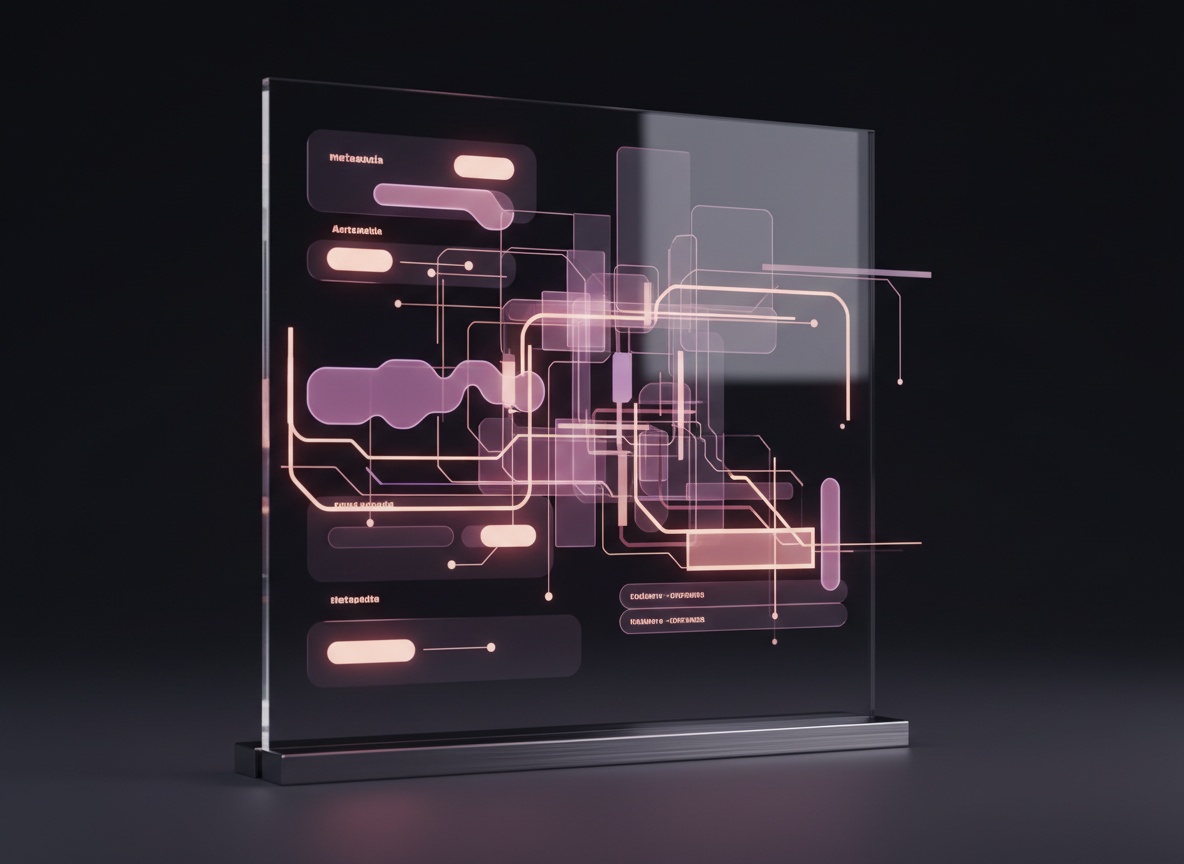
Edit NFT metadata
Change names, descriptions and traits visually, then save, no JSON editing by hand.
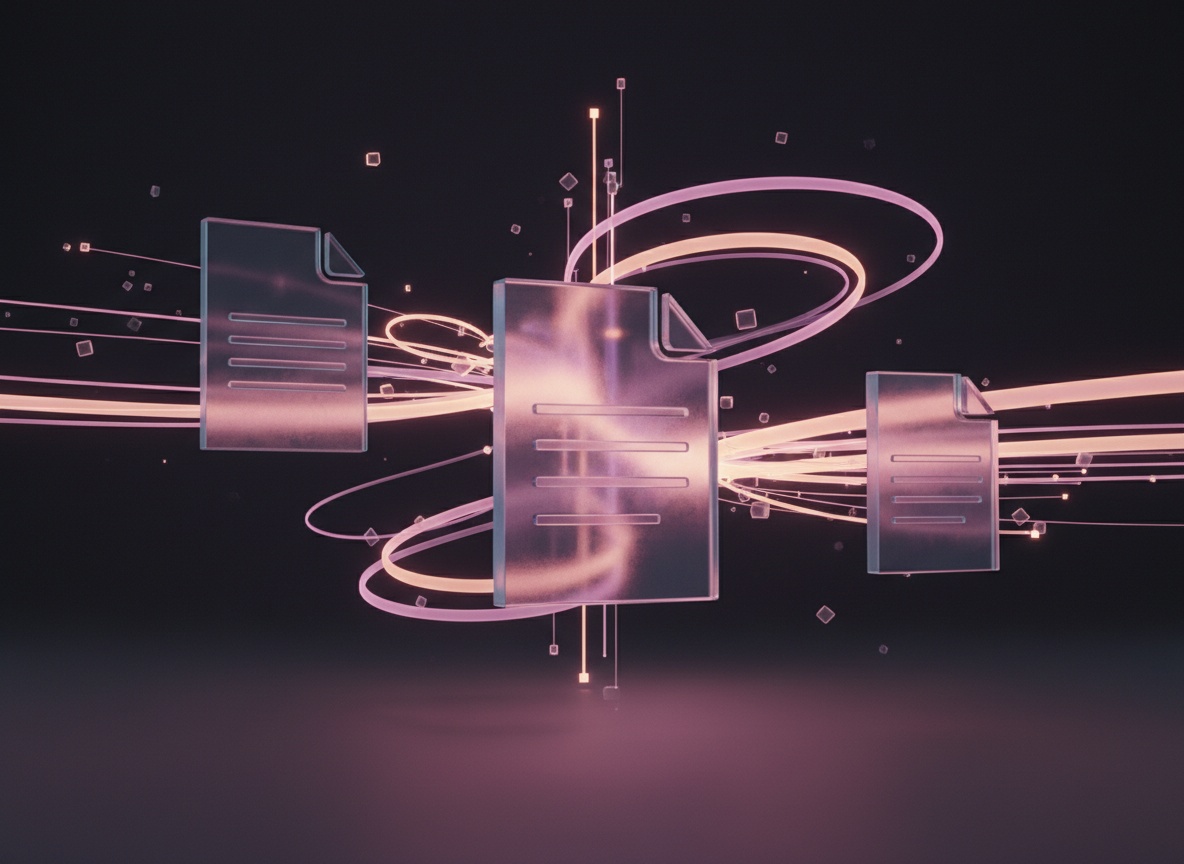
Export ready-to-mint
Export your metadata files, linked to your images, ready to mint on any chain.
The basics
What is NFT metadata?
NFT metadata is the info attached to an NFT, its name, description, image link and traits. It's what marketplaces read to show your NFT. iMintify generates and edits it for you, no code.
Why metadata matters
Without correct metadata, marketplaces can't display your NFT's name, image or traits properly. Good metadata makes your collection look complete and searchable.
Generate, edit, store
iMintify writes standard JSON metadata for you, lets you edit it visually, and stores everything on IPFS so it's permanent and yours.
Compare
iMintify vs editing NFT metadata by hand
How a visual metadata editor compares to hand-writing JSON or using a generic script.
| Best valueiMintify | Hand-edit JSON | Generic script | |
|---|---|---|---|
| No JSON editing by hand | Partly | ||
| Generate for a full collection | One by one | ||
| Visual trait editor | |||
| Marketplace-standard output | If flawless | Usually | |
| Catch broken image links | Manual | Sometimes | |
| IPFS storage included | DIY | DIY |
Standard, marketplace-ready JSON, generated, edited and stored on IPFS for you.
Read more›
Why hand-editing metadata goes wrong
NFT metadata is plain JSON, which makes it deceptively easy to break: one missing comma, a wrong trait name or a dead image link and your NFT shows up blank or untraited on marketplaces, after it's already minted.
iMintify's editor lets you generate, view and fix metadata visually, always in the standard format marketplaces read, and stores it on IPFS so the links stay live permanently. No hand-editing, no broken collections.
For who
Who uses the metadata editor?
Artists, communities and agencies, keep your metadata clean without code.
Artists & Designers
Turn concepts and illustrations into scalable NFT collections.
Creators & Communities
Launch digital ownership, passes, badges, rewards, for your fans.
Agencies & Startups
Deliver NFT projects for clients without building infrastructure.
Brands & Businesses
Collectibles, loyalty tokens and campaigns for your customers.
Read more›
Clean metadata for every kind of creator
Artists fix a typo or add traits without re-minting, collection founders re-export an entire drop's metadata in one pass, and agencies keep client collections marketplace-perfect.
Everything follows the schema OpenSea, Magic Eden and other marketplaces expect, so your NFTs always display with the right name, image and traits.
FAQ
Frequently asked questions
What is NFT metadata?+
Metadata is the info attached to an NFT, its name, description, image link and traits. It's what marketplaces read to display your NFT.
iMintify generates and edits this for you in the standard format, so a typo or a broken image link never leaves your NFT showing up blank on a marketplace.
How do you edit NFT metadata?+
Open your metadata in iMintify's visual editor, change names, descriptions or traits, and save, no JSON editing by hand.
You can fix a single NFT or re-export an entire collection in one pass, then store the updated files on IPFS so the links stay permanent.
What format is NFT metadata?+
It's standard JSON that follows the schema every major marketplace reads. iMintify generates it in the right format for you.
Because the output matches what OpenSea, Magic Eden and other marketplaces expect, your NFTs always display with the correct name, image and traits.
Can I edit metadata after minting?+
It depends on the contract, some allow updates, some freeze it. iMintify helps you get the metadata right before you mint.
The visual editor and validation catch broken image links and wrong trait names up front, so you avoid the common mistake of discovering an error only after the collection is on-chain.
How do you generate NFT metadata?+
iMintify creates marketplace-ready metadata automatically for a single NFT or a full collection, traits included.
It writes the standard JSON for you and links each file to its image, so a whole drop is generated in one pass rather than one NFT at a time.
Where is NFT metadata stored?+
iMintify stores your metadata (and images) on IPFS, decentralised and permanent, so links don't break.
Because the files live on IPFS rather than a single server, your collection keeps displaying correctly even years after minting, with no hosting to maintain.
Generate your metadata for free
No-code · Standard JSON · IPFS storage · Marketplace-ready.
Learn more about NFTs

What Is an NFT? A Complete, Simple Guide (2026)
What is an NFT? A non-fungible token is a unique digital item you own on the blockchain. Learn how NFTs work, what they are used for, and how to create your own for free, no code.

How to Create an NFT: A Step-by-Step No-Code Guide (2026)
How to create an NFT step by step, with no code. Generate or upload art, set up your collection, deploy an audited smart contract and mint. Free to deploy, ready in minutes.
How to Sell an NFT (Create, List and Earn Royalties)
How to sell an NFT, whether you are minting your own or reselling one you own. Deploy a mint site or list on marketplaces, set royalties, and reach buyers with iMintify.

How Do NFTs Work? Blockchain, Minting and Ownership Explained
How do NFTs work? An NFT is a unique token on a blockchain that points to your artwork and proves who owns it. Learn about minting, metadata, storage and smart contracts.

What Does NFT Mean? (NFT Stands for Non-Fungible Token)
What does NFT mean and what does NFT stand for? NFT stands for non-fungible token, a unique digital item you own on the blockchain. Here is what that means, in plain English.
What is Minting an NFT ?
Non-fungible tokens, or NFTs are becoming an expensive form of a digital asset. With the number of NFTs booming, there are more opportunities for digital creators, artists, and musicians to showcase their work and monetize it as well. NFT minting…
Are NFTs Dead in 2026? An Honest Look at Where They Stand
Are NFTs dead? The hype cooled, but NFTs are still widely used for memberships, gaming, tickets and loyalty. An honest look at what changed and where NFTs stand now.

Arweave vs IPFS for NFTs: Which Storage Is Truly Permanent?
IPFS keeps NFT files online while pinned; Arweave stores them permanently for a one-time fee. Here is the full comparison, and why iMintify offers both.